/SPREADSHEET
/PROJECT OVERVIEW
Purpose
To demonstrate skill in regular expressions and data structures through a browser-based spreadsheet that handles arithmetic formulas and cell dependencies.
My Role
To develop a functional web app that processes complex data and returns a valid output or descriptive error response.
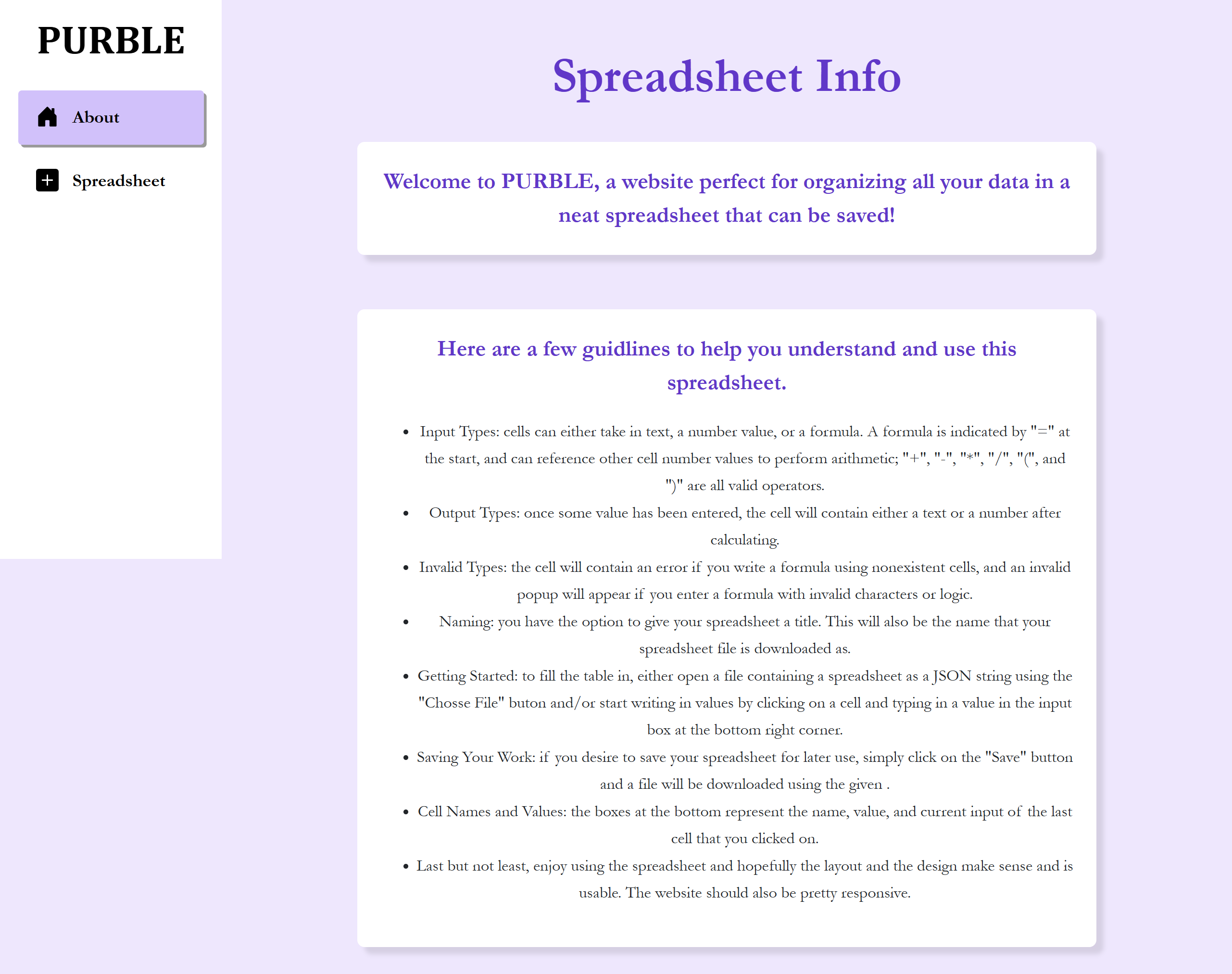
- Implement an evaluator that can distinguish between strings, values, and formulas, and supports standard arithmetic operators/symbols
- Handle circular dependencies in cells when referencing other cells
- Use JSON to allow users to save their entire workspace to a local file and reload it later
- Allow custom error handling
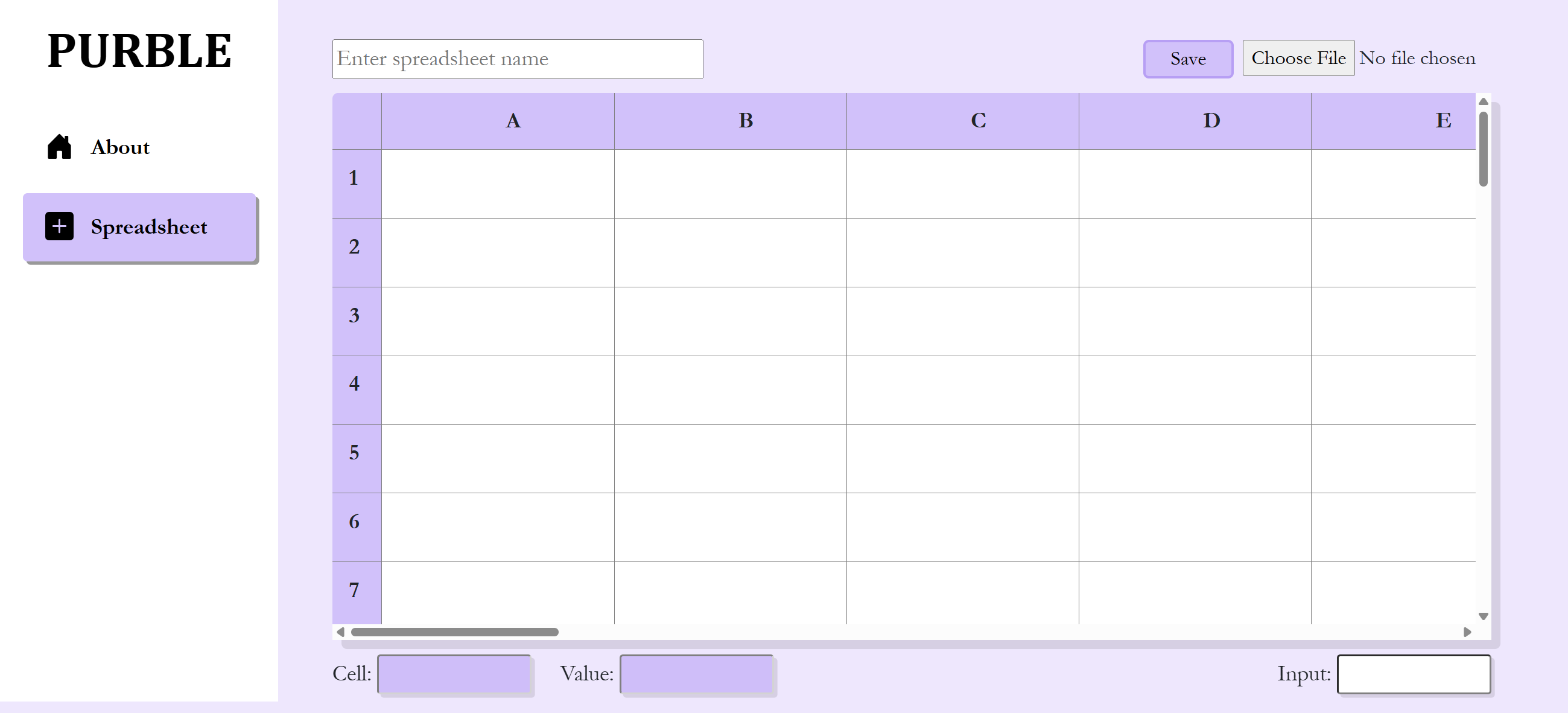
- Design an improved interface for users to view and input data
/TECHNICAL IMPLEMENTATION
Architecture
The spreadsheet utilizes Blazor for a pre-built UI. The heart of PURBLE is its ability to handle "Input vs. Output." While a cell stores a raw string (the formula), the UI renders the calculated result. I used JavaScript regular expressions to identify cell coordinates within a string and map them to their corresponding numerical values before passing the expression to the evaluator.
Project Highlight
To ensure users don't lose their work, I implemented a "Download as JSON" feature. The application state is serialized into a JSON string. Users can then re-upload this file using the "Choose File" button, which parses the string back into the application's live state.
Challenges & Solutions
To ensure that data is processed correctly despite variations in format, the site implements rigorous string parsing through individual token checks and rule adherence. Data is also stored as three different types: numerical values, strings, and formulas (indentified by a leading '='), to ensure cell names, numbers, and strings are not confused during evaluation.
Features
Arithmetic Parser
Supports addition, subtraction, multiplication, division, and parenthetical grouping. Formulas automatically recalculate whenever a referenced cell changes.
File I/O System
Allows for offline-first work. Users can name their spreadsheet and save it as a local file, making data portable and secure.
Intelligent Error Handling
Differentiates between syntax errors (invalid characters) and reference errors (nonexistent cells), providing users with immediate visual feedback via popups.
PURBLE successfully demonstrates the ability to manage complex state, parse strings, and handle cell dependencies in a frontend environment.
- Designed an interactive UI where last-clicked cell metadata (Name, Value, Input) is displayed for easy tracking.
- Developed custom file naming feature based on the user-provided spreadsheet title input.
- Implemented a robust system for data handling and output
Given more time, some additional features & improvements I could add to enhance the application are:
- Live updates and direct cell manipulation without the need for external input boxes
- Spreadsheet cell and text customization features such as for cell/text colors, font weight, font size, etc.
- Data visualization capabilities through bar, line, and pie charts, perhaps using Recharts API